By
By Today everyone wants great photo quality. Whether you post on Instagram, Facebook, YouTube or anywhere else, a photo with poor quality does not impress anyone. That is why people often ask: how do I improve the quality of a photo?
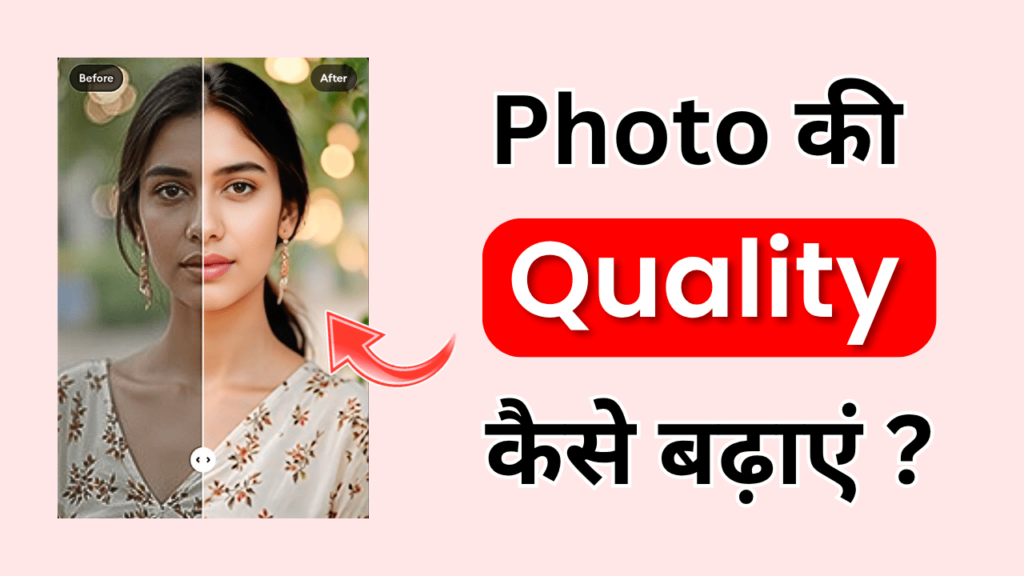
In this article we explain in detail why photo quality gets worse, how to fix it, and how to turn any photo into a Full HD photo with the Remini app.
Why photo quality gets worse
- Photos taken with an old camera have fewer pixels.
- Taking screenshots again and again makes a photo blurry.
- WhatsApp and other apps compress photos.
- Photos taken in low light come out blurry.
Ways to improve photo quality
- AI tools can clean up old and blurry photos.
- Mobile apps such as Remini, Snapseed and Lightroom are useful for enhancing photos.
- Desktop software such as Photoshop and Luminar is great for professional editing.
What is the Remini app?
The Remini app is an AI-based application that turns old, blurry and low-quality photos into HD in seconds.
Features:
- It makes blurry photos sharp and clear.
- It turns black & white photos into colour.
- It brings old photos back to near-new quality.
- It is available on both Android and iOS.
How to improve photo quality with the Remini app?
- Download the Remini app from the Play Store or App Store.
- Open the app and log in.
- Choose the “Enhance” option.
- Select a photo from your gallery.
- After AI processing, the photo becomes Full HD.
- Use the Save option to download the photo to your phone.
Advantages of the Remini app
- Blurry photos become clear instantly.
- It is easy to use.
- The free version does the job too.
- The results are sharp and clear.
Disadvantages of the Remini app
- The free version has limited enhancements.
- It needs an internet connection.
- Sometimes the AI effect looks too strong.
Alternatives to Remini
- Adobe Lightroom – for professional editing.
- Snapseed – a free app for basic clarity.
- PicsArt – with background and filter editing.
- VanceAI – an online photo enhancer.
What is a Full HD photo?
A photo with a resolution of 1920×1080 pixels or more is called a Full HD photo. Such photos are sharp and clear, and the pixels do not break even when you zoom in.
Tips for better quality while taking photos
- Always take photos in good lighting.
- Keep your camera lens clean.
- Use the high resolution setting in your camera.
- Hold the phone steady or use a tripod to avoid blur.
Conclusion
Today people first get to know someone’s personality and creativity through their photos. A blurry or low-resolution photo does not make the same impression. But there is no need to worry: AI tools like the Remini app have made improving photo quality easy.
Whether you want to give an old family photo a new look, make a perfect profile picture for social media, or need a sharp photo for a YouTube thumbnail, the Remini app can handle it.
From now on, no blurry or low-quality photo will bother you. Just use the Remini app and turn your old photo into a Full HD photo in seconds.