By
By Hello friends!
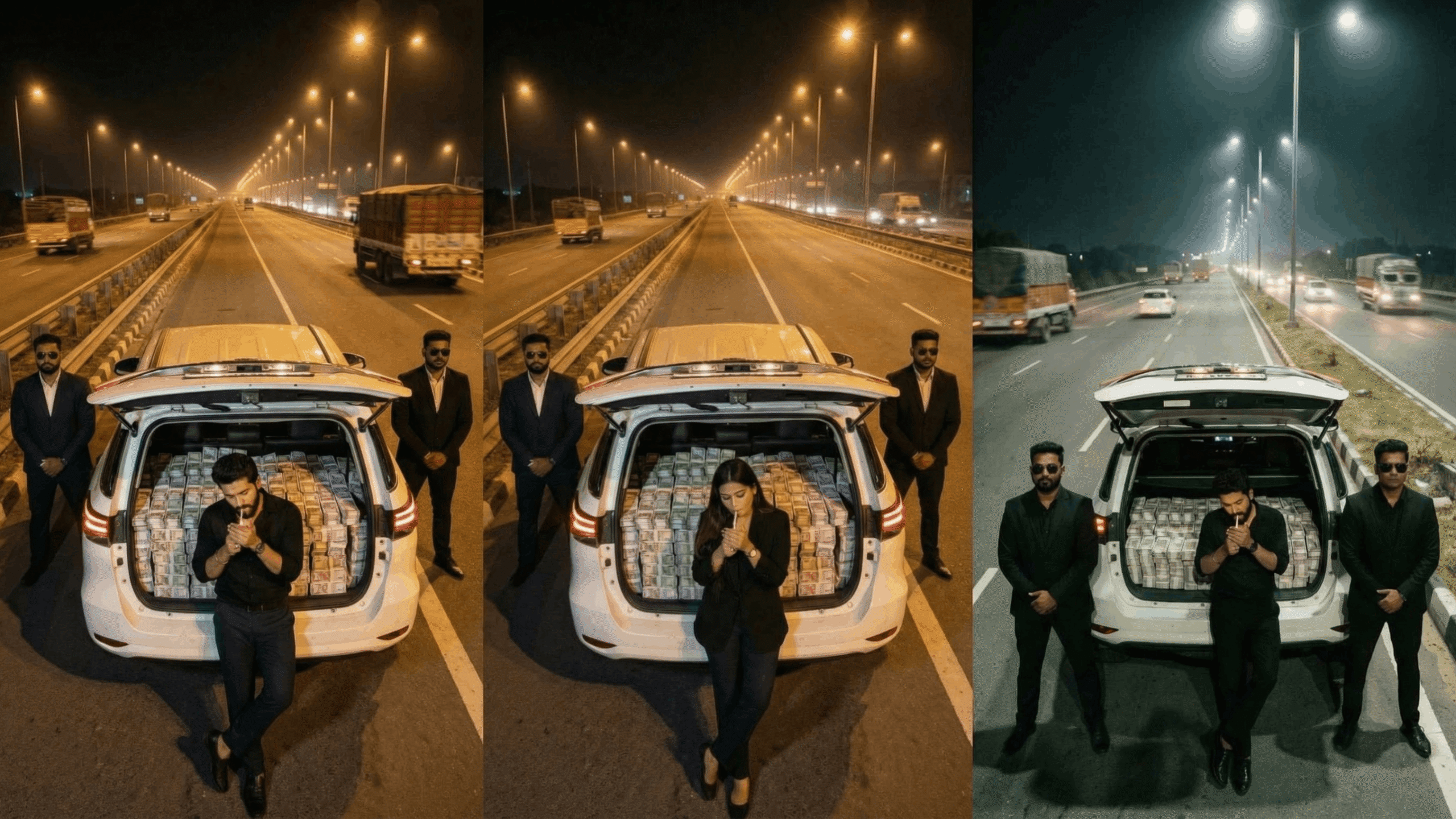
Everyone wants a stylish, perfect DP (display picture) on WhatsApp. But there is a common problem: if you want to use a full photo (head to toe), WhatsApp’s crop tool cuts it. As a result, either your face gets cut off or your feet do not show at all
👉 Don’t worry, because today I will show you 3 easy ways to set a full DP on WhatsApp without cropping your photo.
In this article we will see, step by step:
- How to set a full DP on WhatsApp with an app
- How to set a full DP with a website
- How to extend the image with Pixelcut.ai to a 1:1 ratio and set a full DP
So let’s start 👇
Why do you need a full DP on WhatsApp?
When you try to set any vertical photo (portrait mode) from your gallery as your DP, WhatsApp automatically crops it to a square (1:1 ratio). This means:
- Your full-body photo gets cut.
- Only part of a group photo is visible.
- The background of travel pictures (like the Taj Mahal or Burj Khalifa) gets cut off.
So WhatsApp’s default crop limits you. But there are simple solutions.
Method 1: Set a full DP on WhatsApp with an app
For this method you need to install a special app on your phone. The Play Store and App Store have many such apps, often called No Crop DP Maker or Square Pic Editor.
Step by Step Process:
- First tap the Download button below and install the app.
- Open the app after installing it.
- You will see 3 options. Tap the Single option.
- Your phone gallery opens.
- Select the photo you want as your WhatsApp DP.
- You don’t need to do much here. Just tap the Save button at the top.
- The photo is saved to your gallery in 1:1 ratio (square format).
👉 Click here to download the app
How to set it on WhatsApp?
- Open WhatsApp
- Tap the three dots at the top
- Tap Settings → Profile → Camera icon → Gallery
- Select the photo you just saved with the app
- Tap Done ✅
Now your whole full photo is set as your WhatsApp DP without being cut.
Method 2: Set a full DP with a website
If you don’t want to install an app, you can also use an online website to set a full DP on WhatsApp.
Step by Step Process:
- Click the website link (red button) below.
- On the website you will see a Choose File option.
- Select the photo you want as your WhatsApp DP.
- Scroll down and click the Generate button.
- Your photo is processed and shown to you.
- Now click JPG → Download above the photo.
- The photo is downloaded to your phone.
How to set it on WhatsApp?
The same simple process:
- Open WhatsApp
- Settings → Profile → Camera Icon → Gallery
- Select the new photo from your gallery
- Done ✅
Done! Your whole photo is now your WhatsApp DP.
Method 3: Make a full DP by extending the image with Pixelcut.ai
Friends, now I’ll show you the most modern and easiest way. You don’t need to install an extra app or use a complicated website.
👉 We are talking about the Pixelcut.ai tool.
Pixelcut.ai is a free online tool that automatically extends your photo into a perfect 1:1 ratio (square format).
How to use Pixelcut.ai?
- Open Pixelcut.ai in Google Chrome or any browser.
- Click the “Background” or “Image Extend” option.
- You will see an option to upload a photo.
- Select the photo you want as your WhatsApp DP.
- Pixelcut.ai automatically extends the background of your photo and turns it into a square (1:1 ratio).
- Now download the photo.
👉 Go to Pixelcut.ai
Advantage of Pixelcut.ai:
- The photo is not cropped; the background is extended instead.
- It looks natural and professional.
- You get a high-quality photo.
- No app installation needed.
How to set it on WhatsApp?
The same steps:
- WhatsApp → Settings → Profile → Camera → Gallery
- Select the extended photo
- Done ✅
And now your whole full photo DP is set on WhatsApp in a professional way.