By
By 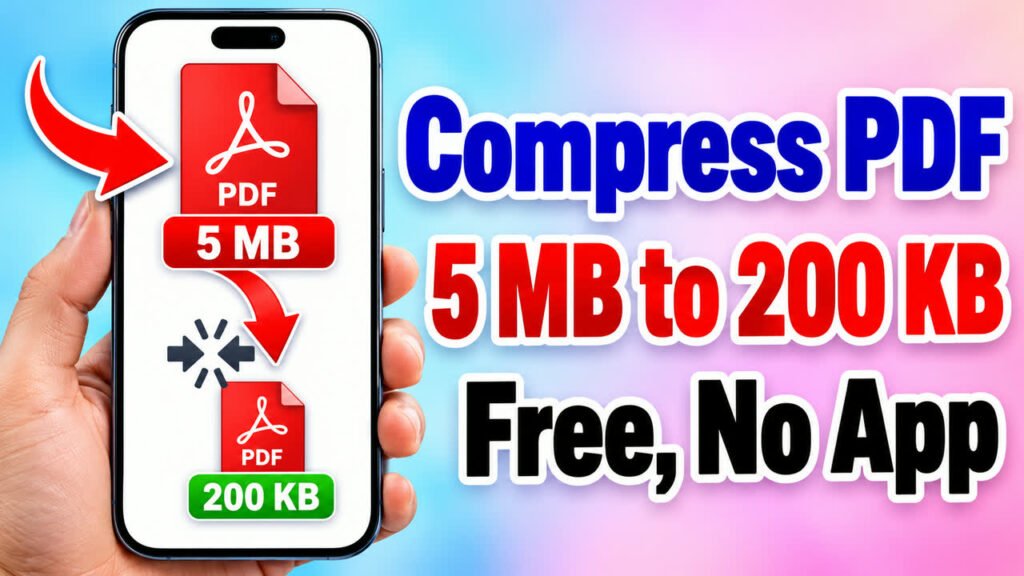
A form says “PDF must be under 200 KB”, your email will not send because the attachment is too big, or a scanned document takes ages to share. The fix is to make the PDF smaller. In this guide you will learn how to reduce a PDF’s file size for free with the Formoni Compress PDF tool. It works in your browser on phone or computer, and your file is never uploaded.
What can the Compress PDF tool do?
- Make a PDF much smaller: in our test a 3.71 MB scanned PDF became 226 KB (94% smaller).
- Three levels: Less compression (best quality), Recommended and Extreme (smallest file).
- Shows the old and new size before you download.
- PDFs up to 150 MB, one file at a time.
- Free, with no signup, no limit and no watermark.
How to compress a PDF, step by step
Step 1: Open the tool and choose your PDF
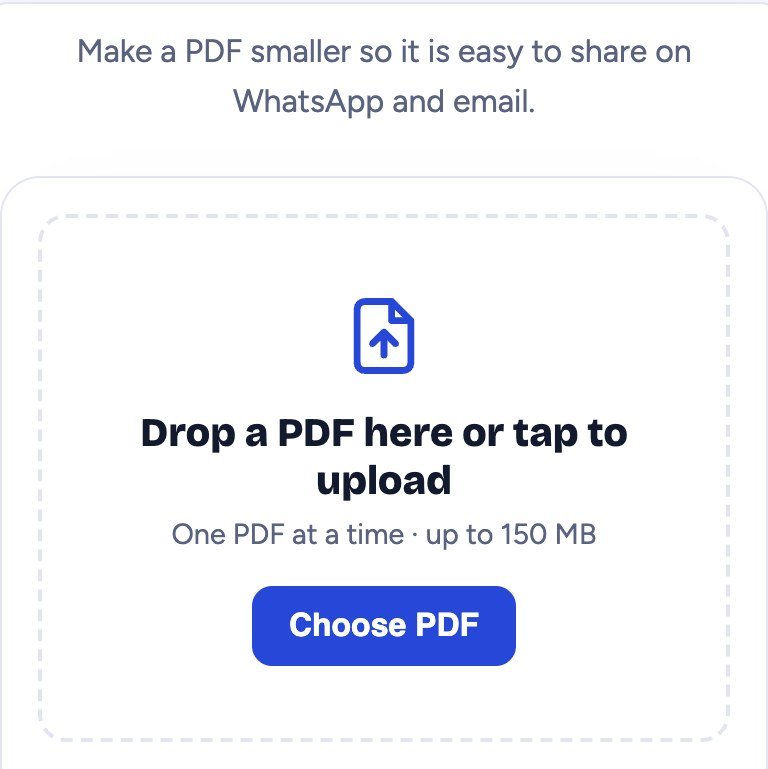
Open the Compress PDF page and tap Choose PDF. On a computer you can also drag the PDF onto the box.
Step 2: Check the pages and pick the compression
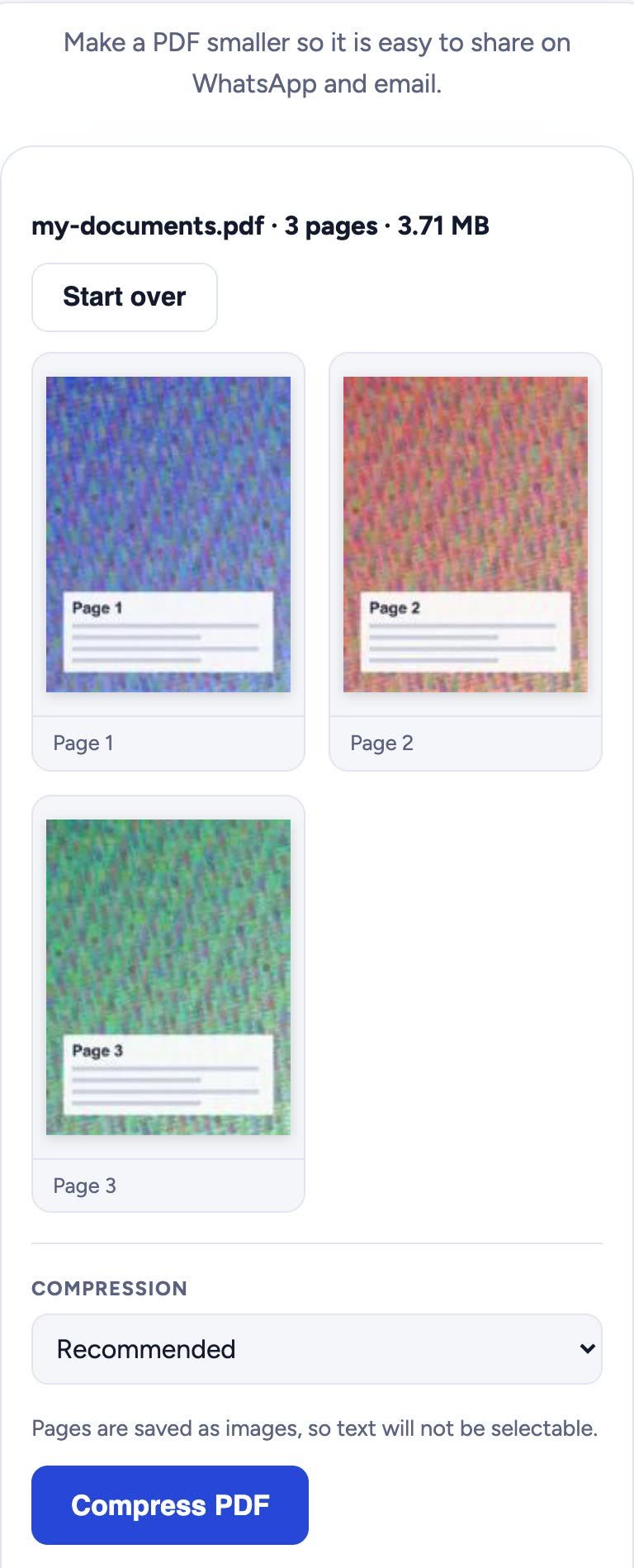
The tool shows the file name, the number of pages and the current size, with a small preview of every page. Then choose how much to compress:
- Less compression (best quality): for documents you may print or zoom into.
- Recommended: the best balance of size and quality for most files.
- Extreme (smallest file): when a website or form has a strict size limit, like 100 KB or 200 KB.
Step 3: Compress and download
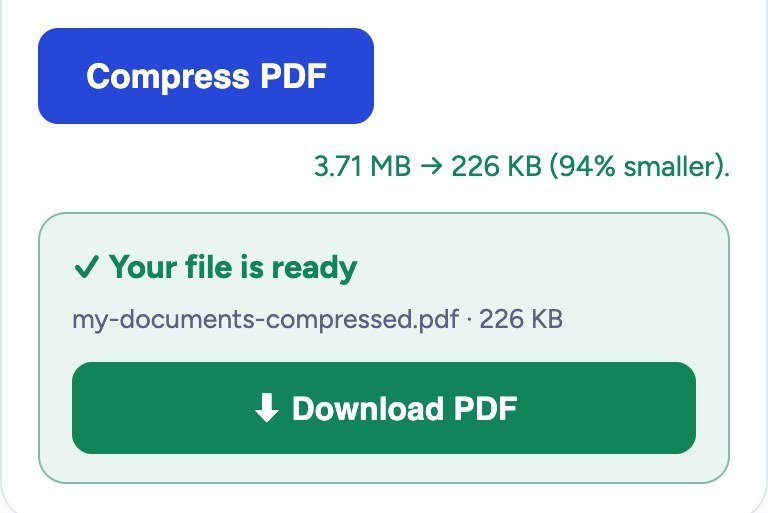
Tap Compress PDF. You will see the old and new size, for example 3.71 MB → 226 KB (94% smaller). Then tap Download PDF. The new file ends with -compressed.pdf, so your original stays as it is.
Good to know before you compress
- The pages are saved as images, so text in the new PDF cannot be selected or copied. Keep your original if you need that.
- If the tool says the PDF is already well compressed, it is already small. Try Extreme for a smaller file.
- Still too big for a form? Send only the pages you need with Split PDF, then compress that file.
- Have photos of documents instead of a PDF? Turn them into one small PDF with Image to PDF (choose a lower quality there).
- Need several compressed files in one PDF? Join them with Merge PDF.
Is my PDF safe?
Yes. The PDF is compressed inside your own browser. It is not sent to any server, so nobody else can see your documents. This makes it safe for ID cards, marksheets and bank statements.
Frequently asked questions
Is Compress PDF free?
Yes, it is completely free, with no signup and no daily limit.
How small will my PDF get?
It depends on the file. Scanned pages and photos shrink the most, often by 80 to 95 percent. A PDF that is already small may not shrink much.
Will the quality go down?
A little, because the pages are saved again as images. Use Less compression for the sharpest result, or Extreme when the size limit matters more than sharpness.
Why can’t I select the text after compressing?
To make the file small, each page is saved as an image. If you need selectable text, keep the original PDF as well.
Does it work on mobile?
Yes. It works in the browser on Android phones, iPhones and computers. You do not need to install an app.
Conclusion
Making a PDF smaller takes less than a minute: choose the PDF, pick Recommended (or Extreme for strict limits), compress, and download. Try it now with the free Formoni Compress PDF tool.