By
By Instagram is one of the most popular social media platforms today, used mostly for sharing photos and videos. Millions of people share moments of their lives on it every day. But sometimes we forget our Instagram password and do not know how to get it back. In this article we look at a few easy ways to recover your Instagram password.
Note: This article is only about getting back the password of your own Instagram account. There is no legitimate way to find out another person’s password or to log in to their account without permission, and doing so is a crime.
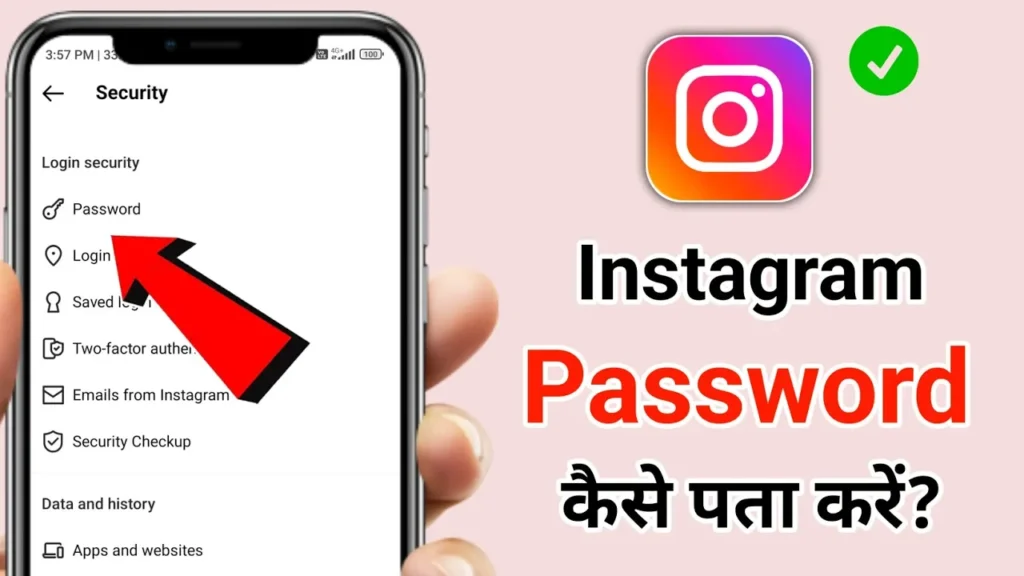
In this article you will learn about:
- Different ways to recover your Instagram password
- Tips for saving your password
- Tips for keeping your Instagram account secure
1. Easy ways to recover your Instagram password
Method 1: Use the “Forgot Password” option
This is the first and easiest method when you forget your Instagram password. The Instagram app and website have a “Forgot Password” option that helps you reset it.
- Step 1: Open the Instagram app on your phone or computer, or go to the Instagram website.
- Step 2: On the login page, tap “Forgot password?”.
- Step 3: Instagram asks for the email, phone number or username linked to your account. Enter one of them and tap “Next”.
- Step 4: You will receive a link by email or SMS. Open it to set a new password.
Tip: This only works if your email or phone number is added to your Instagram account.
Method 2: Reset your password by email or SMS
If your Instagram account is linked to your email or phone number, you can also reset the password through them.
- Step 1: Go to the Instagram login screen and choose “Forgot password?”.
- Step 2: Enter your email or phone number and tap “Send login link”.
- Step 3: Open the password reset link you receive by email or SMS and set a new password.
Note: This method is easy, but make sure your email and phone number are correct and active.
Method 3: Recover your password through Facebook
If your Instagram account is connected to your Facebook account, you can use Facebook to get back in and reset your Instagram password.
- Step 1: On the login page, choose “Log in with Facebook”.
- Step 2: If you are already logged in to Facebook, your Instagram account opens automatically.
- Step 3: Now go to Settings and create a new password.
Important: Linking Instagram to Facebook is a safe option and makes password recovery simpler.
2. Using saved passwords
If you saved your password on your phone or in your browser, you can see it in your password manager. This is handy when you cannot remember the password.
On Android:
- Open your phone’s Settings.
- Choose “Google” and go to Manage your Google Account.
- Open the Security tab and choose Password Manager.
- Here you can see your saved Instagram password.
On iPhone:
- Open Settings and choose Passwords.
- Find Instagram.com in the list.
- Use Face ID or Touch ID to see the password.
Tip: This only works if you saved the password before. Always keep your passwords in a safe place or use a trusted password manager.
3. Use a password manager
A password manager stores all your passwords safely. Popular ones include LastPass, 1Password and Google Password Manager.
- LastPass: Keeps all your passwords encrypted and syncs them across devices.
- 1Password: Keeps your passwords safe behind a single master password.
- Google Password Manager: A useful tool for Android and Chrome users that keeps your passwords safe.
Tip: If you use a password manager, keep your master password strong so all your information stays safe.
4. Important tips to secure your Instagram account
Keeping your Instagram account secure matters, so nobody can misuse your information. Here are some safety tips:
- Strong password: Always choose a long, hard-to-guess password with letters, numbers and symbols.
- Two-factor authentication (2FA): An extra security layer that asks for a code when someone logs in to your account.
- Log out of unknown devices: If your account is logged in on a device you do not recognise, log it out right away.
- Avoid suspicious links: Do not click suspicious links, which can get your account hacked.
Note: Keep your contact details, such as email and phone number, up to date so you can recover your account easily if you forget your password.
Conclusion
In this article we covered different ways to recover your Instagram password. Forgetting a password is common, but with the methods above you can get it back easily.
Always keep your password in a safe place and change it from time to time. Follow these security steps to keep your Instagram safe and simple to use. We hope this article helps you recover your password.