By
By 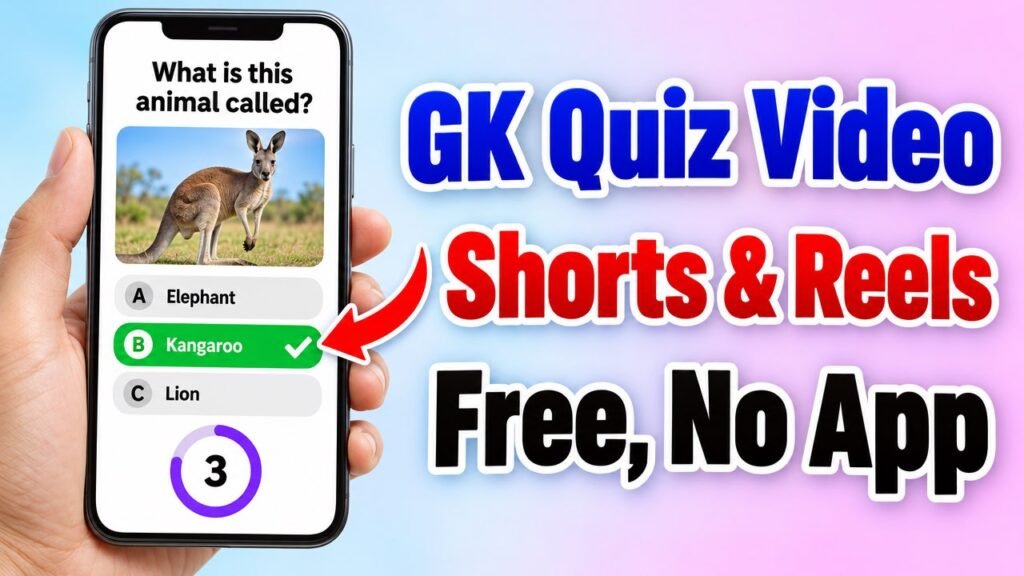
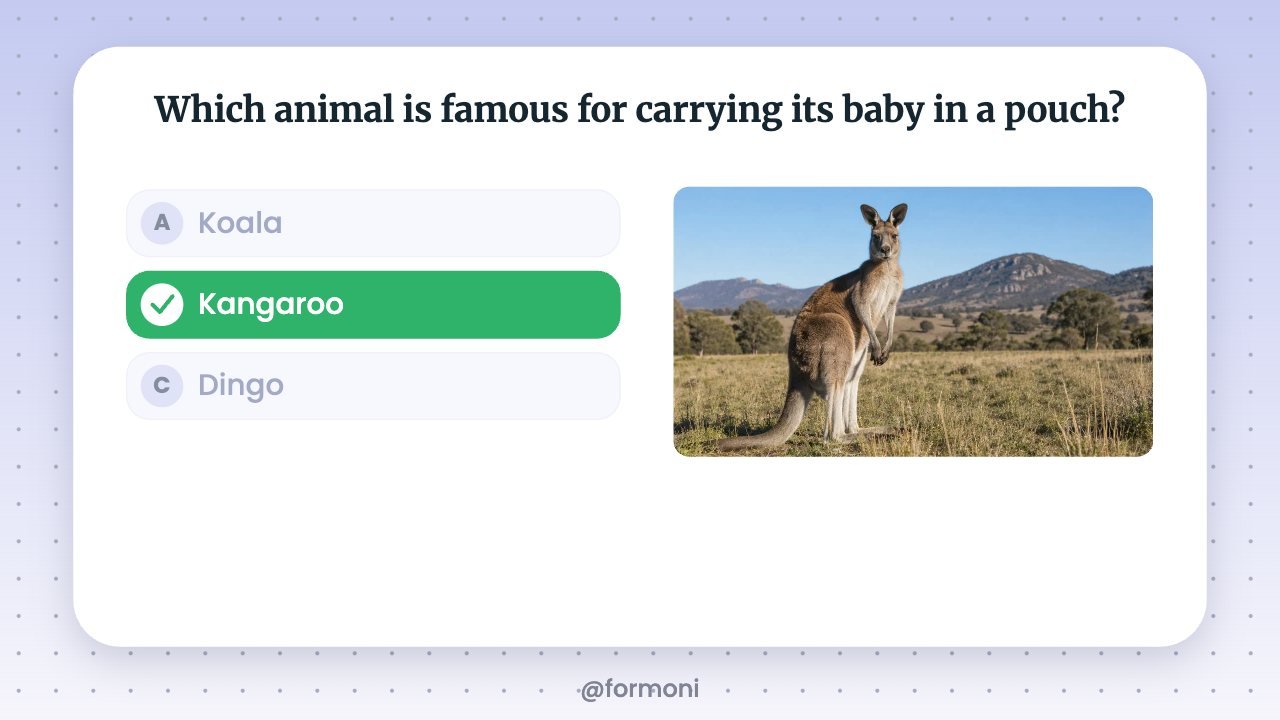
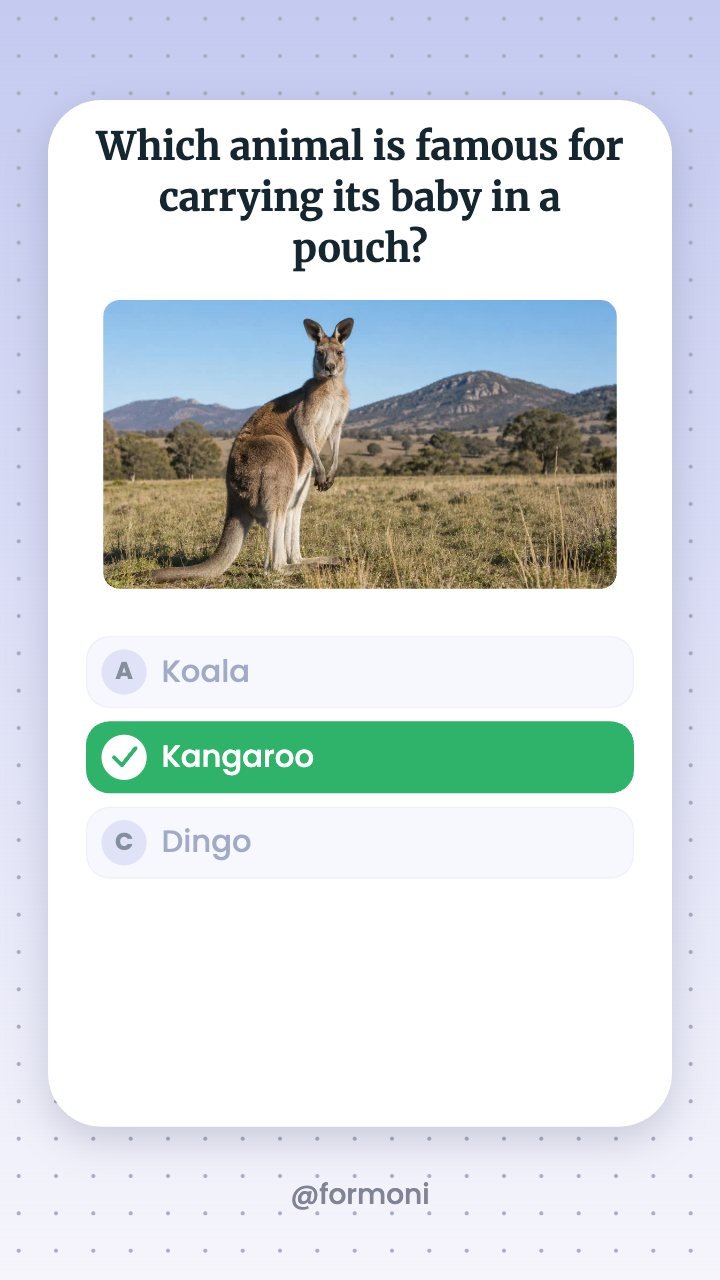
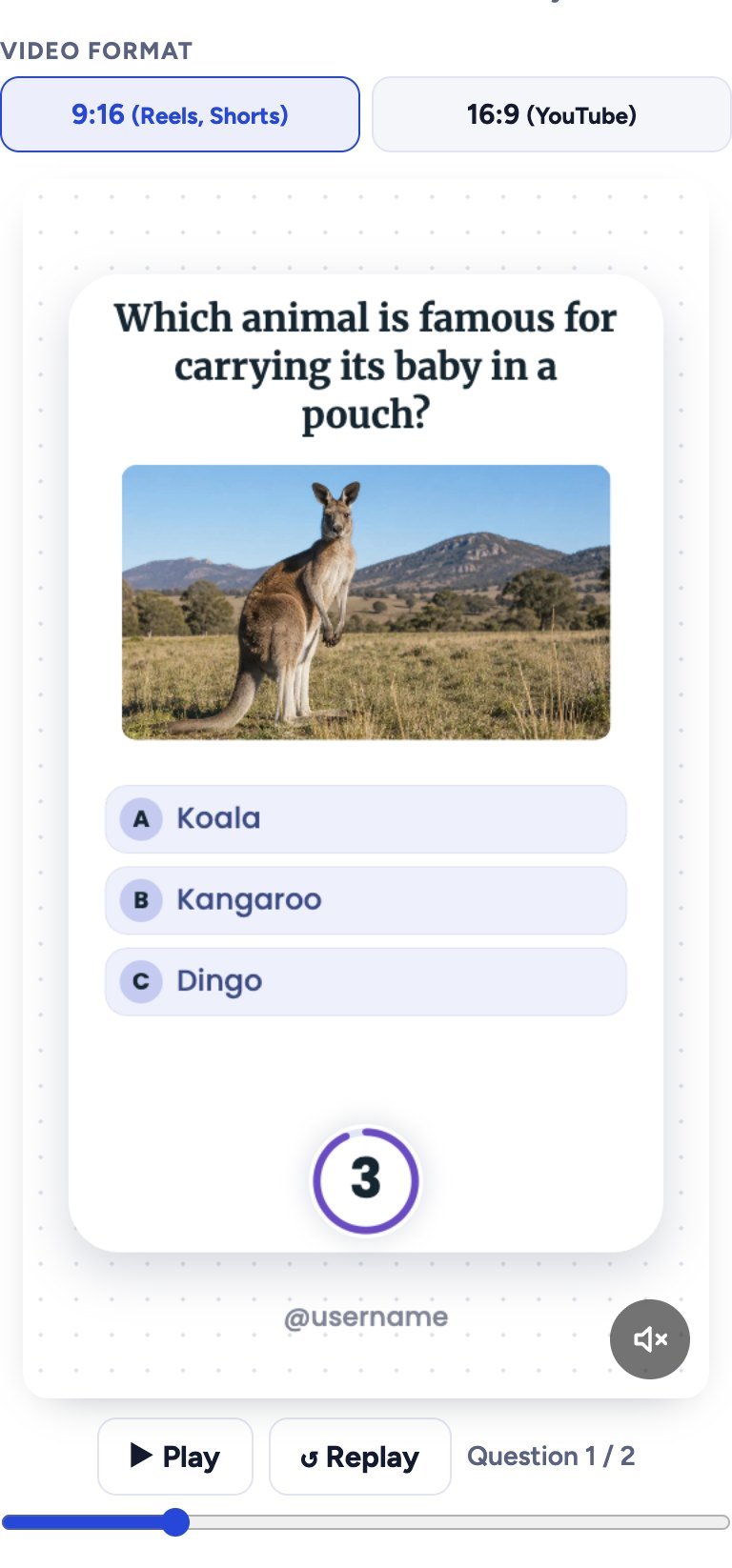
GK quiz videos are some of the most watched Shorts and Reels: a question appears, a photo, three or four options, a 3-2-1 timer, and then the right answer turns green. Viewers try to answer before the timer ends, and many write their answer in the comments. In this guide you will learn how to make these GK quiz videos for free with the Formoni GK Quiz Video Maker, in 9:16 for Shorts and Reels or 16:9 for YouTube. It works in your browser on phone or computer, with no app and no watermark.
What you get
- A ready MP4 video in 9:16 (1080×1920, for YouTube Shorts, Instagram Reels and Facebook Reels) or 16:9 (1920×1080, for normal YouTube videos), in 720p or 1080p.
- For every question: the question is typed word by word, the options pop in, a ring timer counts down, and the right answer turns green with a tick. Then the next card slides in.
- Up to 20 questions in one video, each with its own photo. Options A, B and C, and D if you want it.
- Sound effects (typing, pop, tick and ding), your own background music, and optional AI voice that reads the question and the answer.
- 8 backgrounds: White, Black, Lavender, Mint, Sky, Peach, Night or your own photo (with blur), and your channel name at the bottom.
- Free, with no signup and no watermark.
How to make a GK quiz video, step by step
Step 1: Choose the video format
Open the GK Quiz Video Maker. At the top choose 9:16 for Shorts and Reels, or 16:9 for a normal YouTube video. In 16:9 the options sit on the left and the photo on the right. The preview below shows your first question. Tap Play to watch it (the preview starts muted; tap the speaker to hear it).
Under 1. Background pick a colour, or tap + Add photo to use your own picture and set the blur. In Your name at the bottom type your channel name, like @yourchannel.
Step 2: Add your questions
There are two ways to add questions:
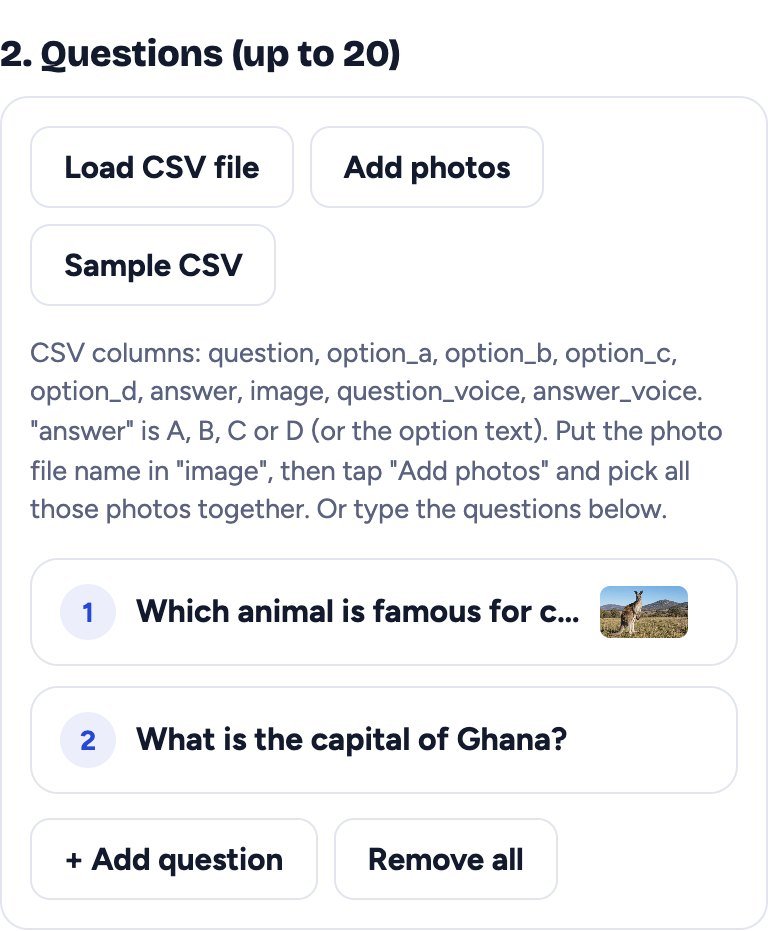
- Type them: tap + Add question, write the question and the options, choose the right answer and tap Choose photo. You can move questions up or down or remove them.
- Load a CSV file: best for many questions. Tap Sample CSV to download an example, fill it in Google Sheets or Excel and save it as CSV. The columns are question, option_a, option_b, option_c, option_d, answer, image. In answer write A, B, C or D. Then tap Load CSV file.
For photos with a CSV, write each photo’s file name in the image column (for example tajmahal.jpg), then tap Add photos and pick all the photos together. The tool matches them by name. If there are no names, the photos are given to the questions in order.
Step 3: Choose how answers are shown
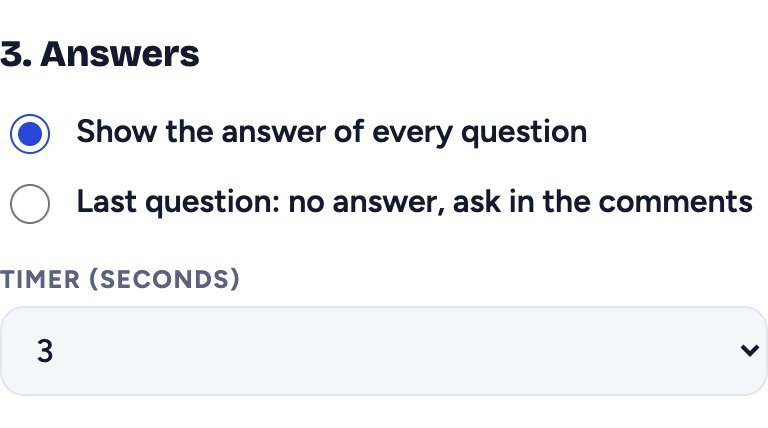
- Show the answer of every question: the normal quiz.
- Last question: no answer, ask in the comments: the last question ends with a text like “Let me know in the comments!” instead of the answer. You can change this text. It is a simple way to get more comments.
- Timer (seconds): 2 to 10 seconds per question. 3 seconds is the default and works well for Shorts.
Step 4: Add sound and voice (optional)
Under 4. Sound keep the sound effects on and set their volume, and add your own music with Add music. Use only music you have the right to use, such as music from the YouTube Audio Library.
Under 5. Voice you can add an AI voice from ElevenLabs. Paste your own ElevenLabs API key and tap Save. Your voices appear in a list: tap Listen to hear one. Turn Speak the question and Speak the answer on or off. The tool shows how many characters are left in your account and how many this video needs. You do not need a voice: without a key the video has the sound effects and your music.
Step 5: Create the video and download it
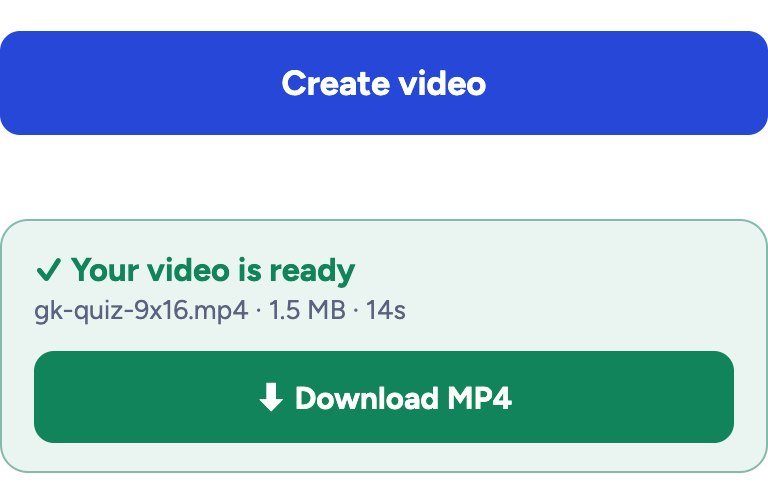
Under 6. Video quality choose 1080p (or 720p on a slow phone) and tap Create video. A video with 10 questions takes about a minute on a phone, and less on a computer. When the green box says Your video is ready, tap Download. On iPhone and Safari the file is a MOV video so the sound plays correctly; every phone and editor opens it.
Tips for a GK quiz channel
- 5 to 10 questions per Short. A 9:16 video with 8 questions is about 1 minute long.
- Start easy, end hard. Easy first questions keep people watching; a hard last one makes them comment.
- Use clear photos. One big subject (an animal, a monument, a flag) works best. Use your own photos or photos you are allowed to use, not random pictures from Google.
- Check every answer twice. One wrong answer brings angry comments and fewer subscribers.
- Keep one topic per video: capitals, animals, science, India GK, sports. Topic titles like “10 Capital City Questions” are easier to search.
- Ask in the comments with the last-question mode, and reply to comments.
- Add an animated Subscribe button at the end with our Subscribe Button Maker.
Is it safe? Are my photos uploaded?
Your questions, photos and music are not uploaded to Formoni: the video is made inside your own browser. Only if you use the AI voice, your browser sends the voice text to ElevenLabs with your own key to get the audio. Your key is never sent to Formoni; it is saved only on your device if you tick Remember on this device.
Frequently asked questions
Is the GK Quiz Video Maker free?
Yes. It is completely free, with no signup and no watermark. The ElevenLabs voice is optional and uses your own ElevenLabs account.
Can I make Hindi GK quiz videos?
Yes. Questions and options can be in Hindi, English or any language. The sample CSV even has a Hindi question. Save the CSV as CSV UTF-8 so Hindi text is not broken.
Does it work on a phone?
Yes. It works on Android phones, iPhone and computers in Chrome, Edge and Safari. A computer is faster for long videos with 20 questions.
How long is the video?
It depends on the number of questions, the timer and the voice. With a 3 second timer and no voice, each question takes about 7 seconds. 20 questions make a video of about 2 minutes.
Can I earn money from these videos?
The tool puts no limit on how you use your video. To be monetised on YouTube or Facebook your channel must follow their rules: make your own questions, use photos and music you are allowed to use, and add your own value, not copies of other channels.
Conclusion
A GK quiz video needs only good questions: the Formoni GK Quiz Video Maker does the design, timer, sound and voice for you. Make your first quiz in a few minutes in 9:16 or 16:9, download the MP4 and upload it. Try it now: the free Formoni GK Quiz Video Maker.