By
Many online forms ask for one PDF file: your marksheets, certificates and ID in a single upload. If your documents are in separate files, you need to merge the PDFs. In this guide you will learn how to combine several PDF files into one, in the order you want, for free with the Formoni Merge PDF tool. It works in your browser on phone or computer: no app, no signup, no watermark, and your files are not uploaded anywhere.
When do you need to merge PDF files?
- Job and exam forms: 10th and 12th marksheets, degree and certificates in one PDF.
- Scholarship and college admission: all documents in one file.
- Office work: join a report, its bills and its photos into one file before you email it.
- Scanned pages: pages scanned one by one become one document.
How to merge PDF files, step by step
Step 1: Choose your PDF files
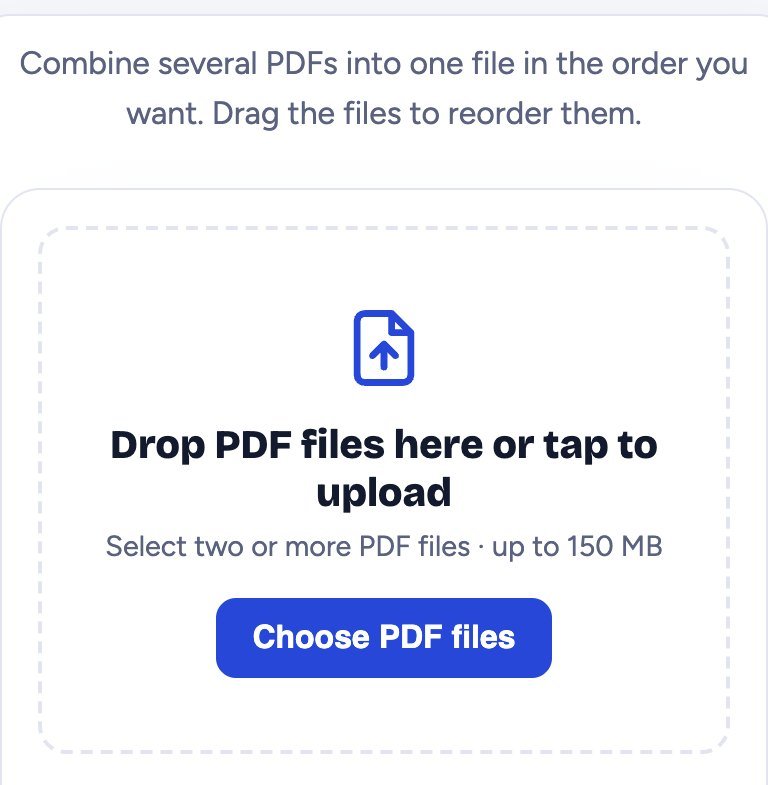
Open Merge PDF and tap Choose PDF files. Select two or more PDFs together (on a phone, tap and hold the first file, then tap the others). On a computer you can also drag the files into the box. Each file can be up to 150 MB.
Step 2: Put the files in the right order
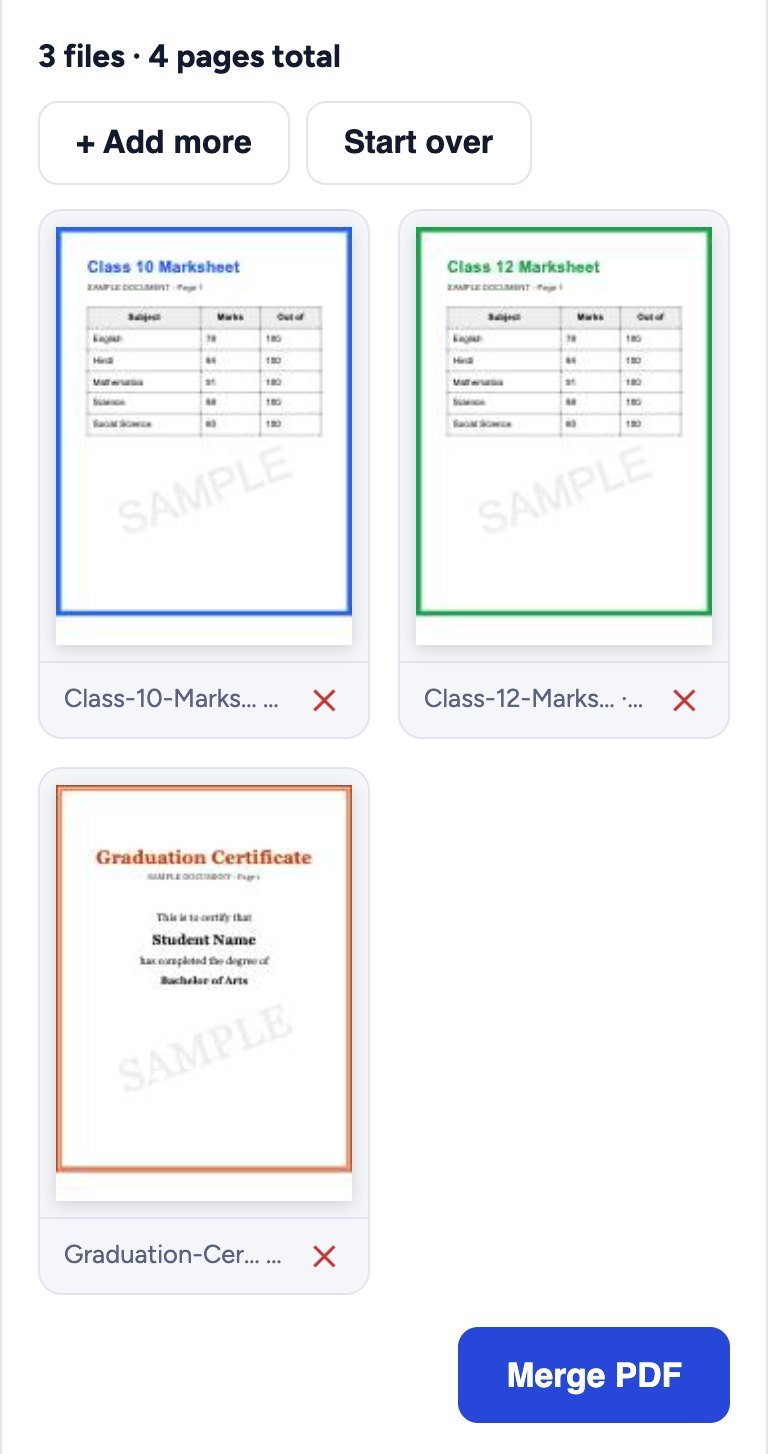
Each file is shown with a preview of its first page, its name and its number of pages. At the top you see the total, for example 3 files · 4 pages total.
- Change the order: drag a file to a new place. On a phone, hold the file for a moment, then move it.
- Remove a file: tap the red ✕ under it.
- Add more files: tap + Add more.
- Start over: clears everything.
Step 3: Merge and download
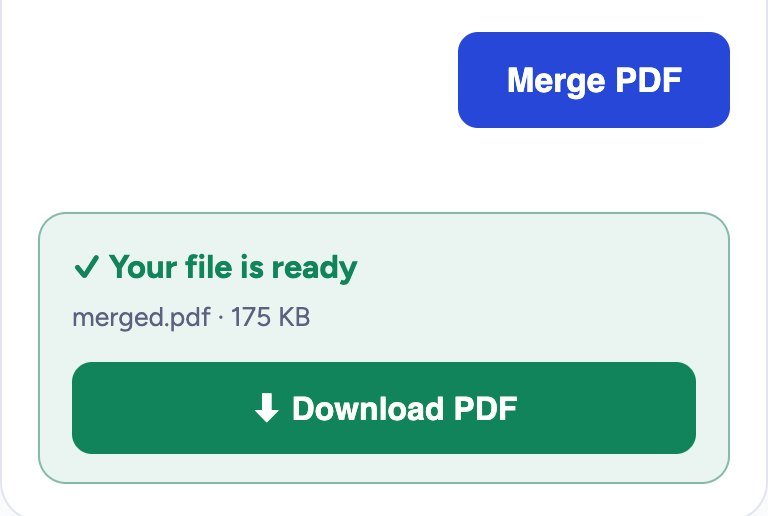
Tap Merge PDF. In a few seconds a green box says Your file is ready. Tap Download PDF to save merged.pdf. All pages of all files are in it, in the order you chose. Rename the file if the form asks for a special name.
Is it safe to merge private documents?
Yes. Marksheets, ID cards and bank papers are private, so the Formoni Merge PDF tool joins the files inside your own browser. They are never uploaded to our server, and nobody else can see them. When you close the page, they are gone from it.
Tips
- File too big for the form? Make the merged PDF smaller with Compress PDF. See our guide how to reduce PDF size.
- Documents are photos? Turn them into a PDF first with Image to PDF, then merge.
- Need only some pages? Take them out with Split PDF, or reorder and delete pages with Organize PDF.
- A file has a password? It cannot be merged until the password is removed. If you know the password, use Unlock PDF first.
- Check the order once in the preview before you tap Merge: forms are often rejected when pages are mixed up.
Frequently asked questions
Is Merge PDF free?
Yes. It is completely free, with no signup, no daily limit and no watermark.
How many PDF files can I merge?
There is no fixed number. Each file can be up to 150 MB. Very large or many files need more memory, so a computer is faster than an old phone.
Does it work on a phone?
Yes. It works on Android phones, iPhone and computers in Chrome, Edge, Firefox and Safari.
Will the quality of my PDF change?
No. The pages are copied as they are: text stays sharp and searchable, and images keep their quality.
Can I merge a PDF with a photo?
Merge PDF joins PDF files. Turn the photo into a PDF with Image to PDF first, then merge both PDFs.
Conclusion
Merging PDF files takes less than a minute: choose the files, put them in order and download one PDF. Your documents stay on your device the whole time. Try it now: the free Formoni Merge PDF tool.