By
A scanned page that is sideways, a page that came out upside down, or a landscape table you have to tilt your head to read: these are common in scanned notes, forms and phone-scanned documents. With the free Formoni Rotate PDF tool you can rotate PDF pages on your phone or computer and save them the right way up for good. Turn only the pages you want, or all pages at once. No app, no signup, no watermark, and your PDF is not uploaded anywhere.
How to rotate PDF pages, step by step
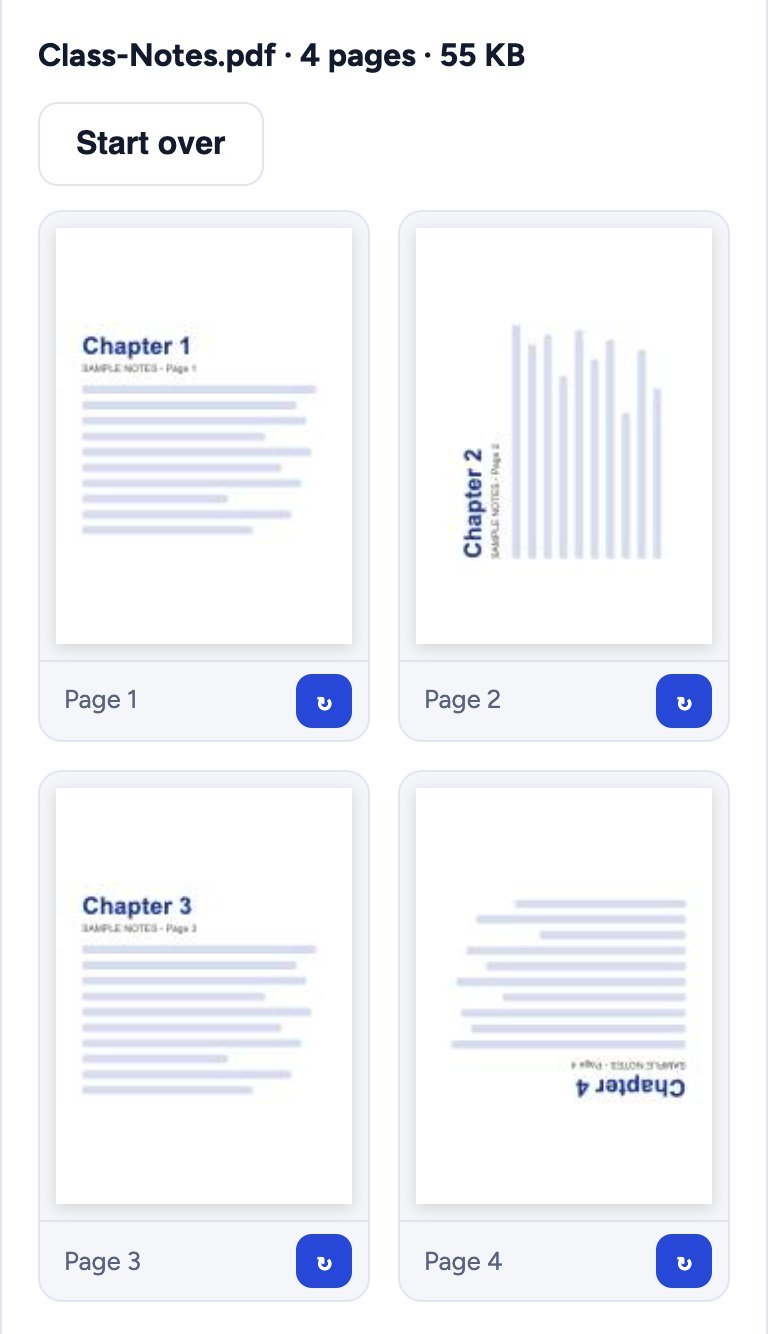
In this example we fix 4 pages of class notes: page 2 is sideways and page 4 is upside down.
Step 1: Choose your PDF
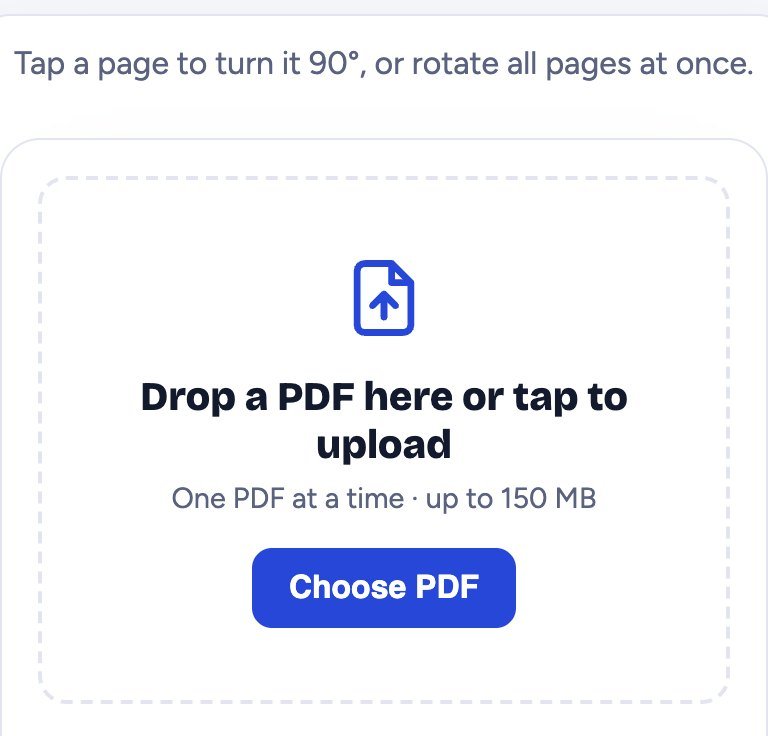
Open Rotate PDF and tap Choose PDF. Pick your file (up to 150 MB).
Step 2: Find the wrong pages
Every page is shown as a small picture with its number, so it is easy to spot the pages that are sideways or upside down.
Step 3: Tap to turn them
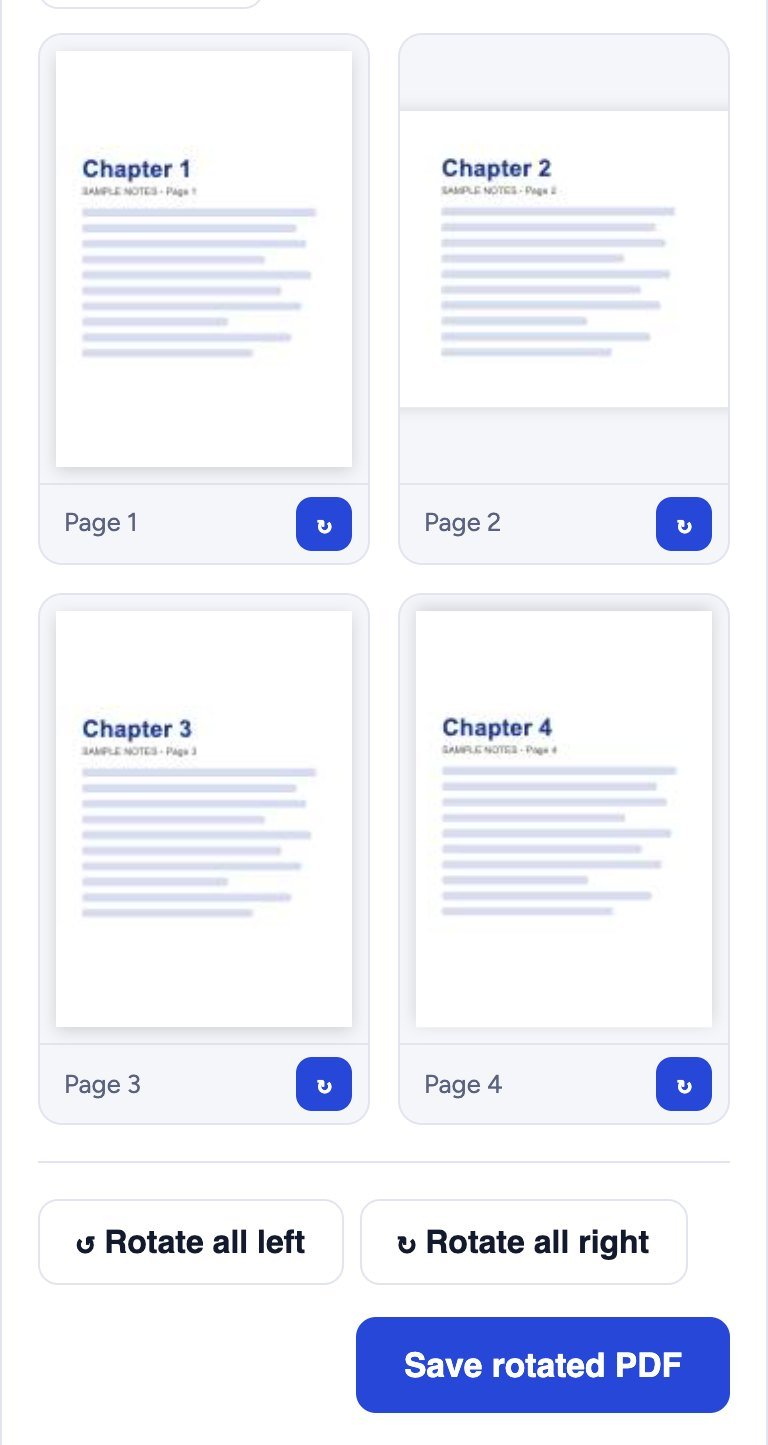
Tap a page (or its blue ↻ button) to turn it 90° to the right. Tap again for 180°, and again for 270°. Here page 2 needed one tap and page 4 needed two taps. To turn every page together, use Rotate all left or Rotate all right.
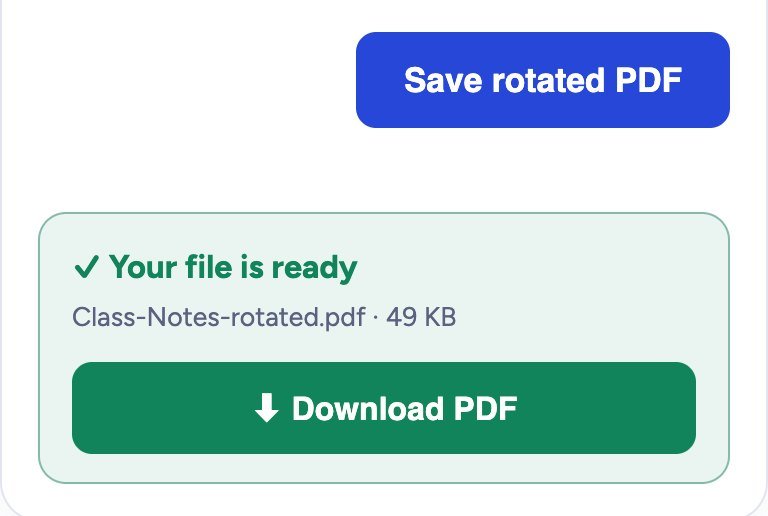
Step 4: Save the rotated PDF and download it
Tap Save rotated PDF. A green box says Your file is ready; tap Download PDF. The new file is named like yourfile-rotated.pdf and opens the right way in every PDF reader.
Is the quality the same?
Yes. Rotating only tells the PDF which way each page should face. The text, images and quality stay exactly the same, and the file size hardly changes. A portrait page turned sideways becomes a landscape page, which is what you want for wide tables and charts.
Is it safe?
Yes. Your PDF is rotated inside your own browser. It is never uploaded to our server, so nobody else can see it.
Tips
- Scanning with your phone? Use Scan to PDF and keep the page straight in the camera, so less rotating is needed later.
- Pages in the wrong order too? After rotating, fix the order or delete extra pages with Organize PDF.
- Want to join the fixed file with others? Use Merge PDF.
- File too big to send? Make it smaller with Compress PDF.
Frequently asked questions
Is Rotate PDF free?
Yes. It is completely free, with no signup, no daily limit and no watermark.
Can I rotate only one page?
Yes. Tap only the page you want to turn. All other pages stay as they are.
Does it work on a phone?
Yes. It works on Android phones, iPhone and computers in Chrome, Edge, Firefox and Safari. No app is needed.
Is the rotation saved for good?
Yes. The downloaded file opens the right way on any phone or computer, and when you print it.
Can I rotate a password protected PDF?
First remove the password with Unlock PDF (you need to know it), then rotate the pages.
Conclusion
Fixing sideways or upside-down pages takes a few seconds: choose the PDF, tap the wrong pages, save and download. The quality stays the same and your file never leaves your device. Try it now: the free Formoni Rotate PDF tool.