By
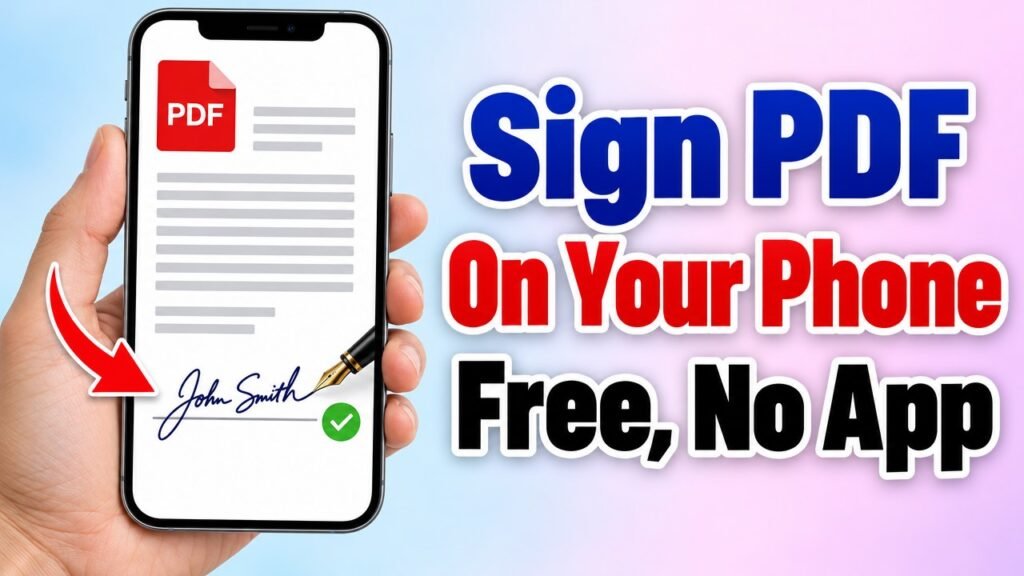
Rent agreements, offer letters, school forms and office papers often need your signature. You do not have to print the PDF, sign it with a pen and scan it again. With the free Formoni Sign PDF tool you can sign a PDF online on your phone or computer in a minute: draw your signature with your finger or mouse, or type your name, and tap where it should go. No app, no signup, no watermark, and your PDF is not uploaded anywhere.
How to sign a PDF, step by step
Step 1: Choose your PDF
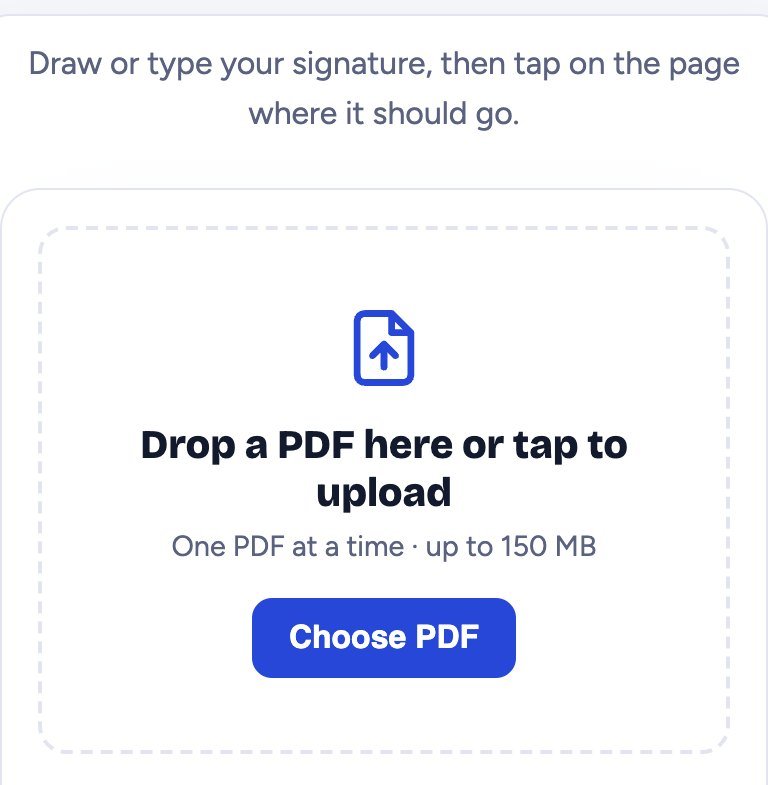
Open Sign PDF and tap Choose PDF. Pick the document you want to sign (up to 150 MB). The first page is shown big on the screen.
Step 2: Make your signature
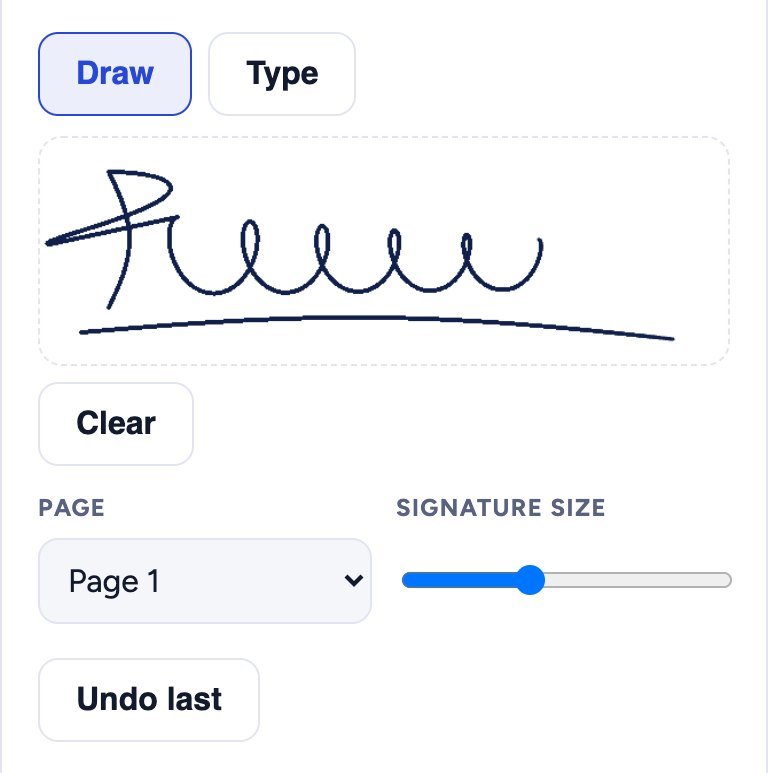
- Draw: sign in the white box with your finger (phone) or mouse (computer), just like on paper. Not happy? Tap Clear and sign again.
- Type: tap Type and write your name. It becomes a neat handwriting-style signature.
- Page: choose the page you want to sign.
- Signature size: move the slider to make the signature bigger or smaller.
Step 3: Tap where the signature should go
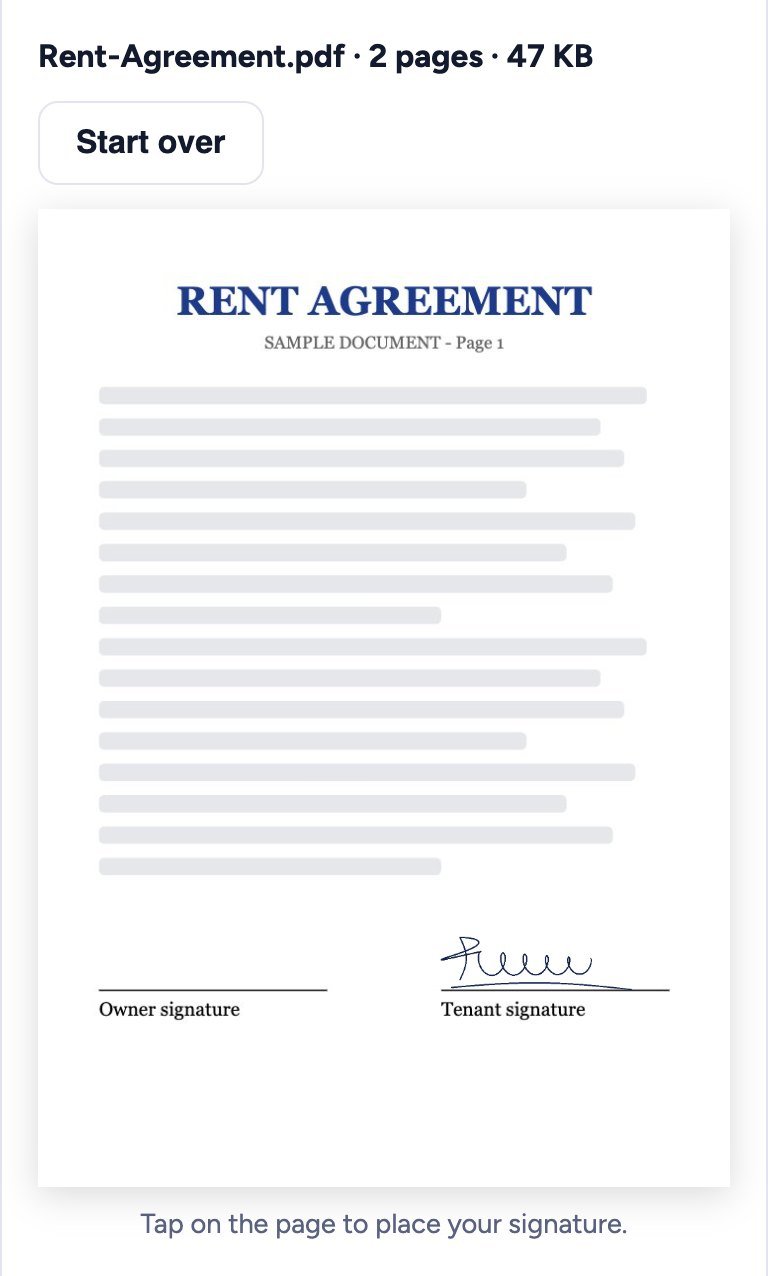
Tap on the page, right on the signature line. Your signature appears there. Need it in more places, for example on every page? Choose the next page and tap again. Placed it in the wrong spot? Tap Undo last and tap again.
Step 4: Create the signed PDF and download it
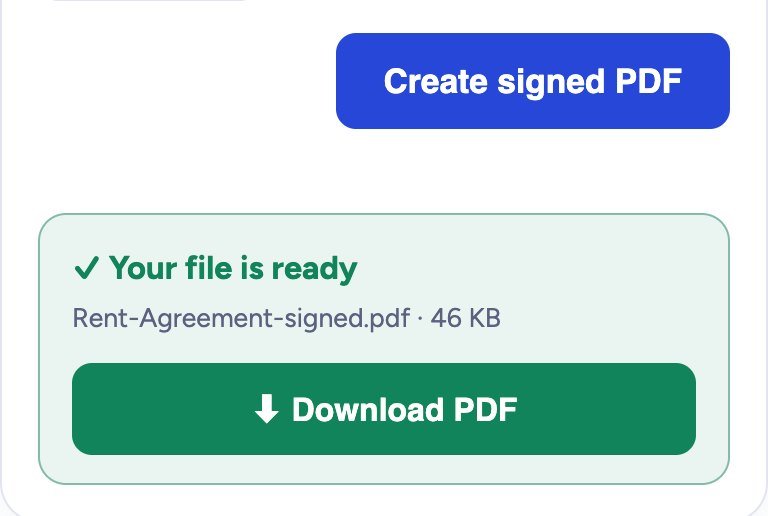
Tap Create signed PDF. A green box says Your file is ready; tap Download PDF. The new file is named like yourfile-signed.pdf. The rest of the document stays exactly as it was.
Is it safe?
Yes. The signature is added inside your own browser. Your PDF and your signature are never uploaded to our server, so nobody else can see or copy them.
Important: e-signature vs digital signature (DSC)
This tool puts a picture of your signature on the PDF, the same as signing a printed paper. That is enough for most everyday documents: rent agreements, forms, letters and office approvals. Some official work, such as company filings, tenders or some tax and government portals, asks for a Digital Signature Certificate (DSC) or Aadhaar eSign, which needs a certificate from an authorised provider. Check what the office or portal asks for. Sign only your own documents.
Tips
- Draw slowly and a little bigger than usual: the signature looks smoother when it is made smaller on the page.
- On a phone, turn it sideways (landscape) for a bigger signing box.
- Need to fill text too, like your name and date? Use Edit PDF or PDF Forms first, then sign.
- Signed file too big to email? Make it smaller with Compress PDF.
- Have the document only on paper? Scan it with your phone camera using Scan to PDF, then sign it.
Frequently asked questions
Is Sign PDF free?
Yes. It is completely free, with no signup, no daily limit and no watermark.
Can I sign on my phone?
Yes. Draw the signature with your finger. It works on Android phones, iPhone and computers in Chrome, Edge, Firefox and Safari.
Can I add my signature on more than one page?
Yes. Choose another page in the Page list and tap on it. You can place as many signatures as you need before you create the PDF.
Is my signature saved anywhere?
No. It is not uploaded or stored by Formoni. When you close the page it is gone, so draw it again next time.
Can someone remove my signature from the signed PDF?
The signature becomes part of the page, like a stamp. If you want to stop changes to the file, you can also lock it with a password using Protect PDF.
Conclusion
Signing a PDF takes less than a minute: choose the PDF, draw or type your signature, tap where it goes and download. No printer and no scanner needed, and your document never leaves your device. Try it now: the free Formoni Sign PDF tool.